Manual-control VPN for Android users who want predictable privacy
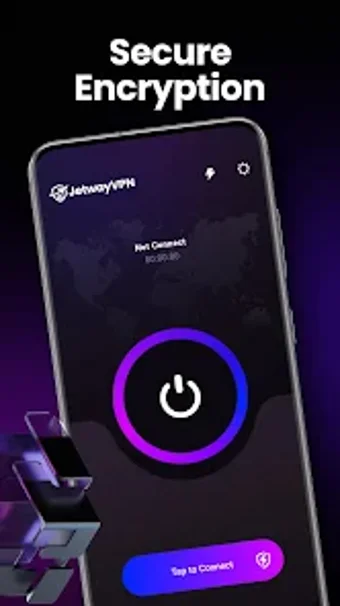
Experience explicit network control with JetwayVPN by Infinite Cyber Tech Solutions LLC: users must start every tunnel manually, giving a predictable connection workflow. The app targets Android users who prioritize visibility over automatic VPN management, and it combines standard encryption protocols, a no-logs commitment, and a clean, straightforward interface. It fits people who accept manual steps to avoid background data usage and prefer a visible connection overview for each session.
How does the app enforce user-initiated connectivity?
JetwayVPN requires manual connection setup, so no tunnel is created without user action. The app's manual connection control prevents automatic or background links, which the developer lists as a core design choice. The connection overview screen shows current status and network details at a glance, so each session begins only after the user explicitly connects and can be stopped just as deliberately.
Does it affect device performance during active use?
Active sessions use standard encryption with a low implicit footprint: encryption runs only when a connection is established, rather than continuously in the background. Because the tool does not maintain persistent tunnels, the app limits sustained CPU and network processing to connected periods. This behaviour reduces background resource use compared with always-on VPNs, since the app does not attempt automatic reconnection or hidden background activity.
Is it safe and approachable for privacy-minded users?
Safety features match a privacy-first intent: the app uses standard encryption protocols and the developer states a no-logs commitment, and the interface presents connection details clearly. The straightforward design keeps advanced settings out of sight by default, so users who want a transparent, hands-on workflow see only essential controls. Nevertheless, users who expect automatic protections must accept manual operation as part of the security model.
Best for users who accept manual control, but not for those needing automation
JetwayVPN suits Android users who trade automatic convenience for visible, user-driven connections and an explicit privacy posture. The single main caveat is the manual-only operation, which interrupts any expectation of continuous background protection; users who need always-on coverage should look elsewhere. For anyone who values predictable, on-demand tunnels, the app performs its role reliably within that constraint.